Configurable Product
A Configurable Product is an advanced customization setup that allows products to be divided into multiple panels or sections, each with its own customization settings.
Panel-based customization (e.g., front, back, sleeves)
Individual color control for each panel
Grouping system to link multiple panels
Layer-based product structure
Separate print areas for each panel
Multi-part or complex products
Products requiring section-by-section customization
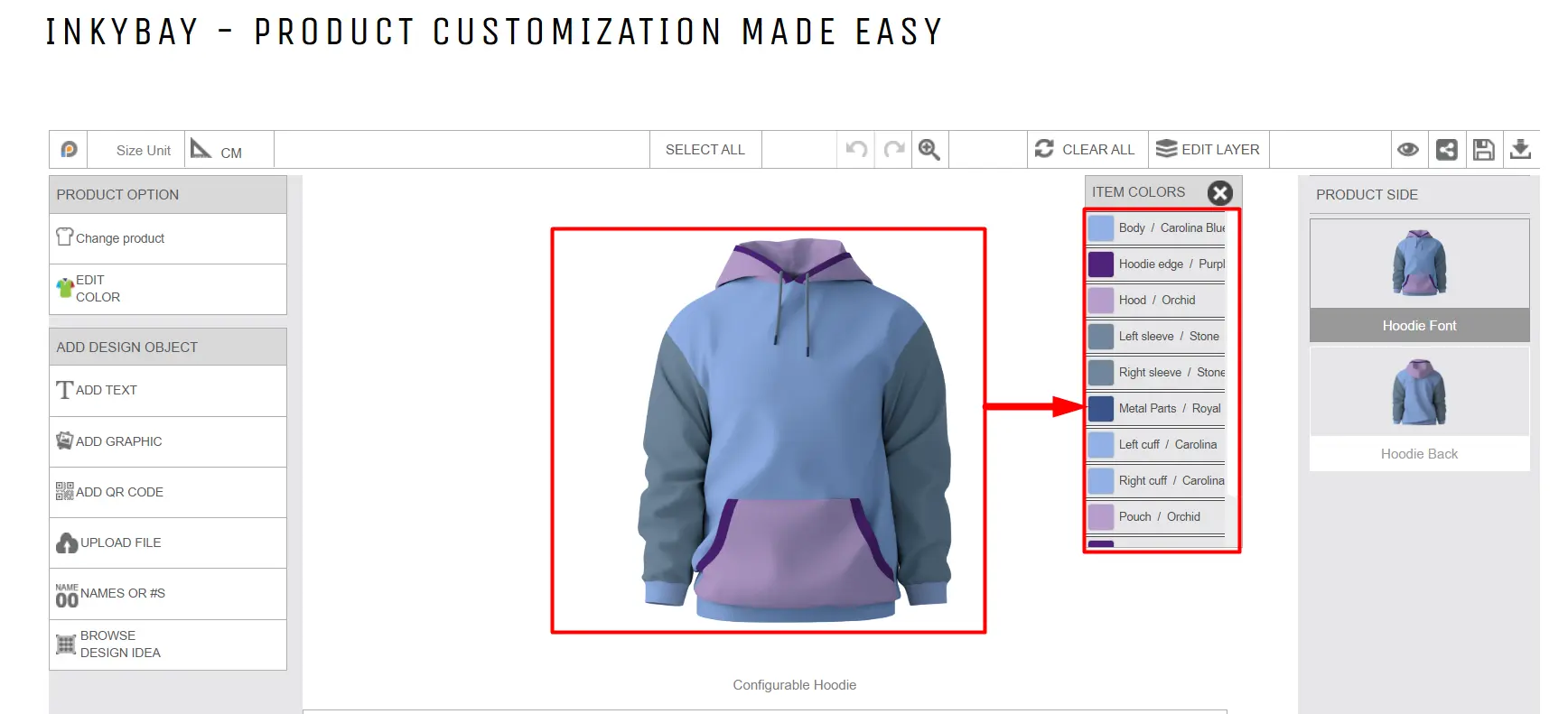
Example: A Hoodie where customers can:
Select different colors for the front and back
Apply the same color to both sleeves using grouping
Add names or numbers to specific areas
Add text, clipart, name & number, QR code
Upload artwork
A Custom Product is the standard personalization setup in Inkybay. It allows customers to design the product by adding text, graphics, uploading images, etc., before placing an order.
Add text, clipart, name & number, QR code
Upload artwork
Use predefined print areas
Apply product options
Best For:
Simple or single-part products
Products that don’t require part-by-part customization
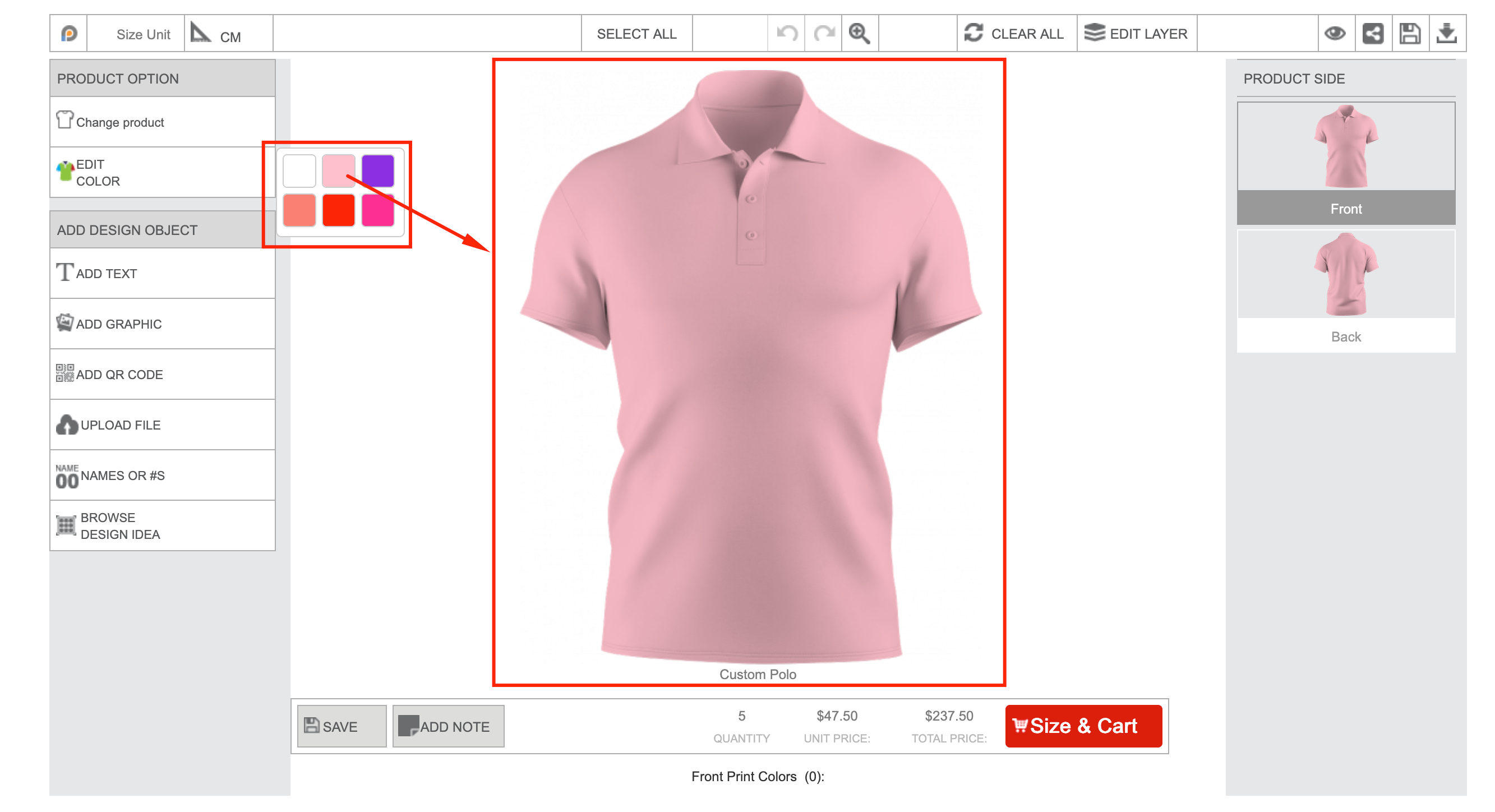
Add a name or message
Upload a photo
Adjust placement within the print area
Feel free to contact us whenever you face any issues or need assistance. We’re available 24/7. You can also reach us:
InkyBay app Live chat
Support ticket from the InkyBay app
Email to support@productsdesigner.com
 Getting Started
 Products
 Designs
 Templates
 Configuration
 Printing
 Orders
 Inventory Management
 Settings
 Packages
 Uninstallation
 Tutorials
 FAQ
FAQ