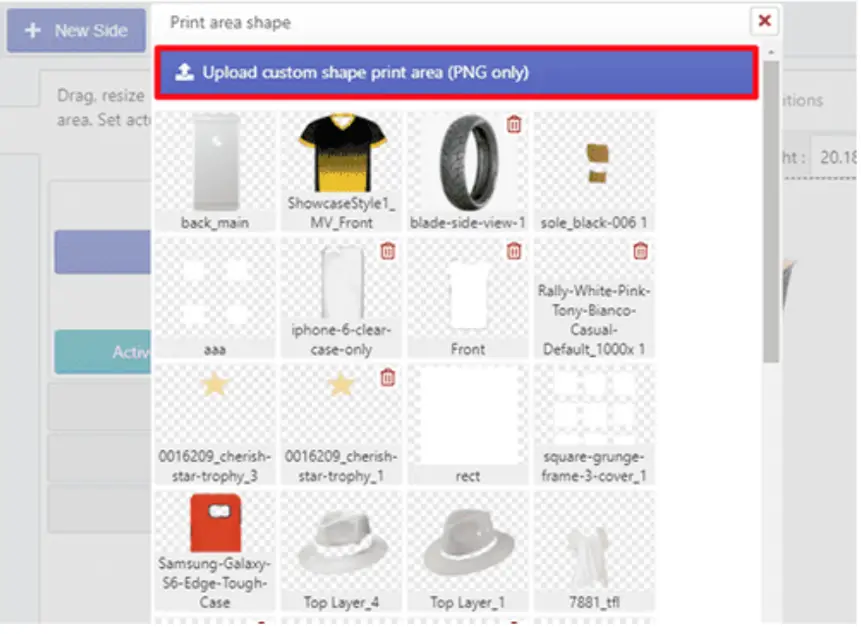
If you have products that require a custom-shaped print area, such as rectangular, star, polygonal, or other shapes, you can set them up easily.
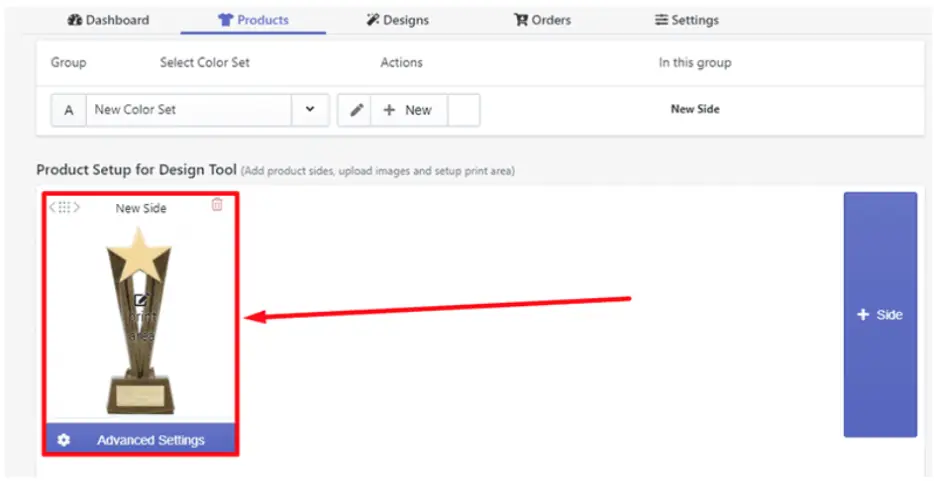 Step 2: Select Print Area and click the Change/Upload button.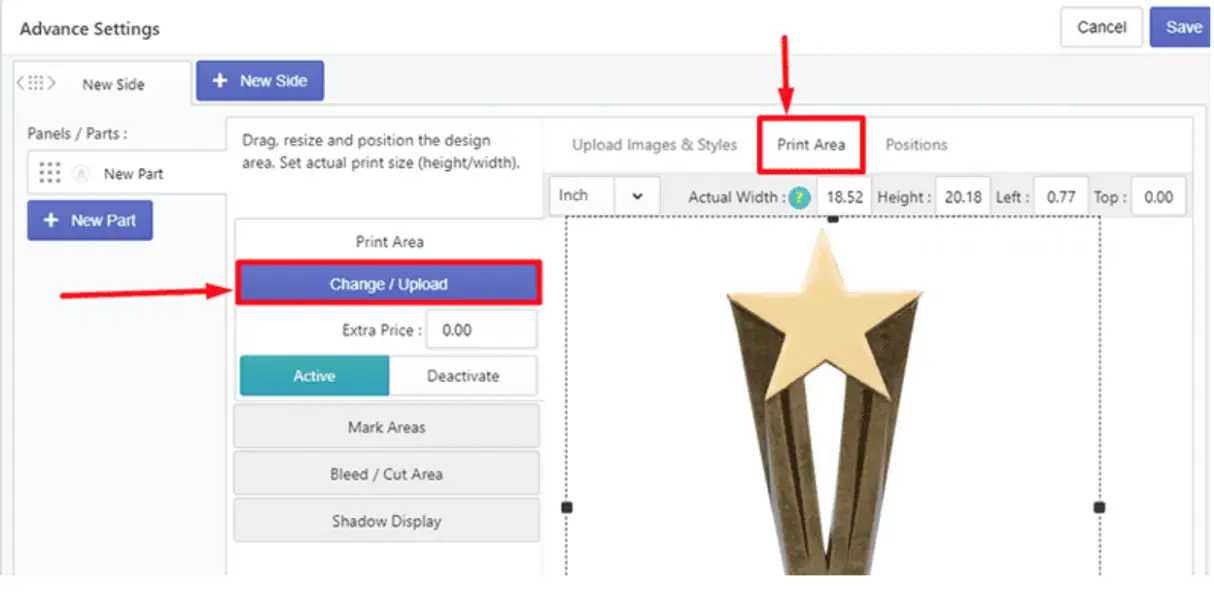
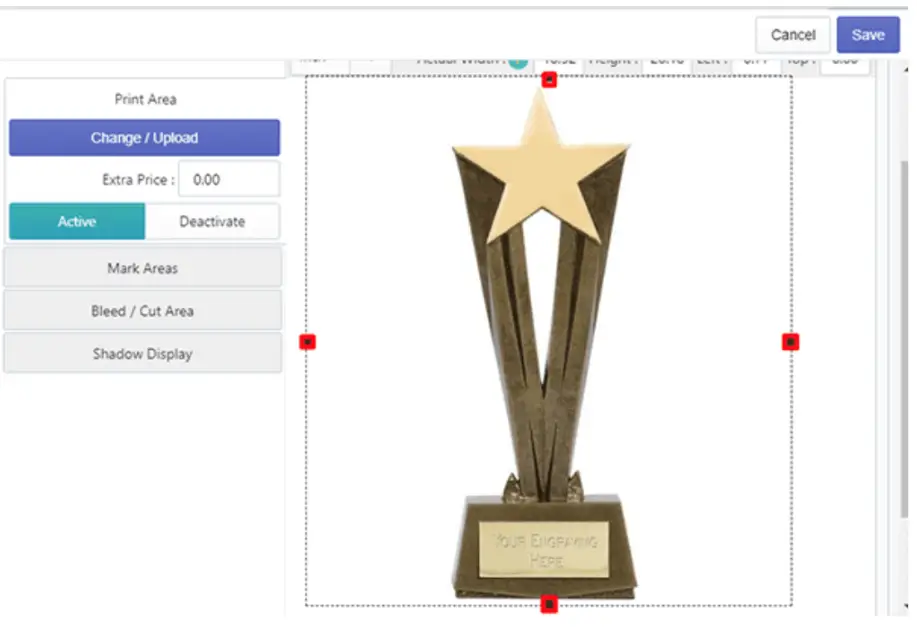
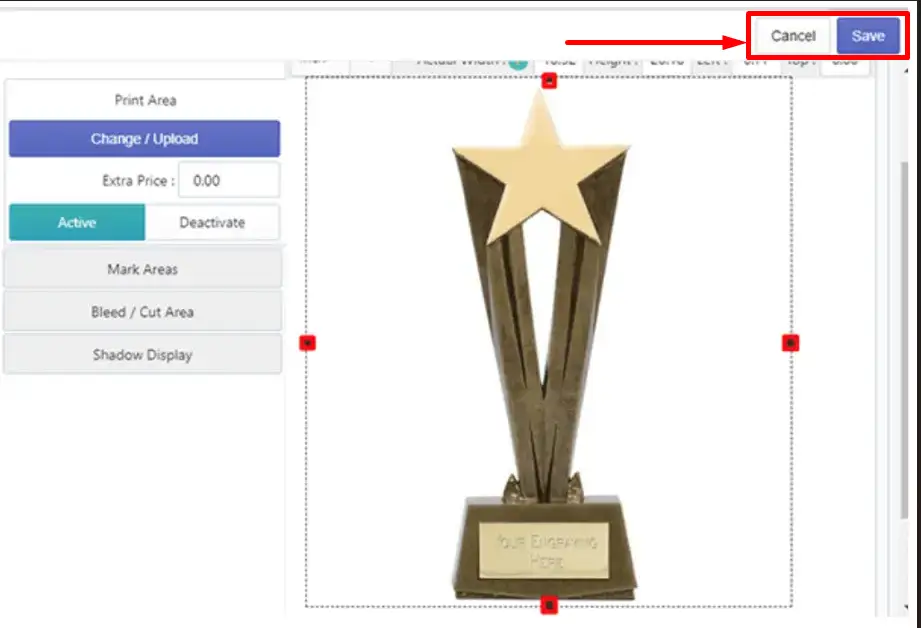
🎯Note Set DPI warnings (up to 300) to ensure high-quality prints if designs are placed too far outside the safe zone. |
Still, facing difficulties or need help? Feel free to contact us. You can also reach us:
InkyBay app Live chat
Support ticket from the InkyBay app
Email to support@inkybay.com
 Getting Started
 Products
 Designs
 Templates
 Configuration
 Printing
 Orders
 Inventory Management
 Settings
 Packages
 Uninstallation
 Tutorials
 FAQ
FAQ