While creating a Size Set for a product, you can easily set up the Extra Price for Sizes.
Follow the steps below to set up an extra price for sizes:
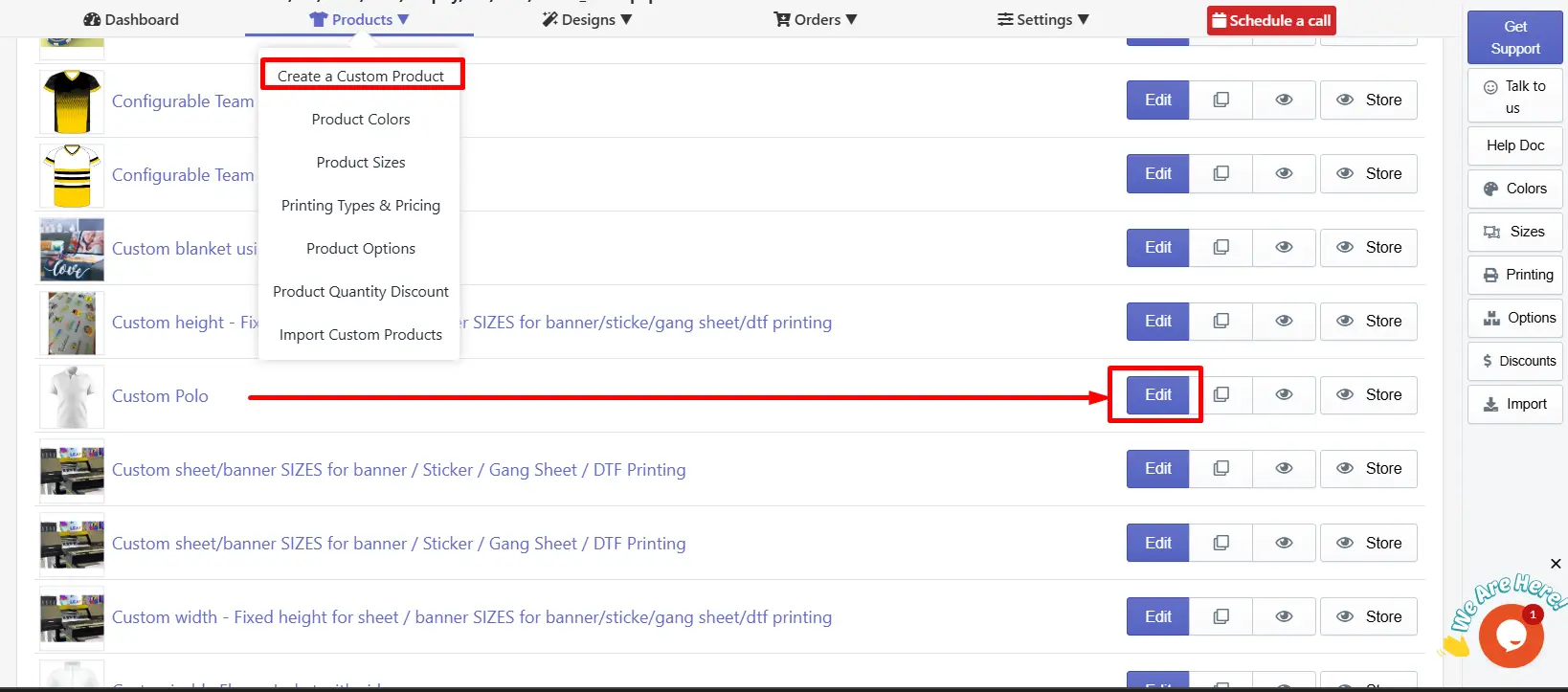
After navigating, scroll below and find the Product Sizes. Here, you can create and choose a suitable Product Size set for your product. Click on the Edit Icon or +New button.
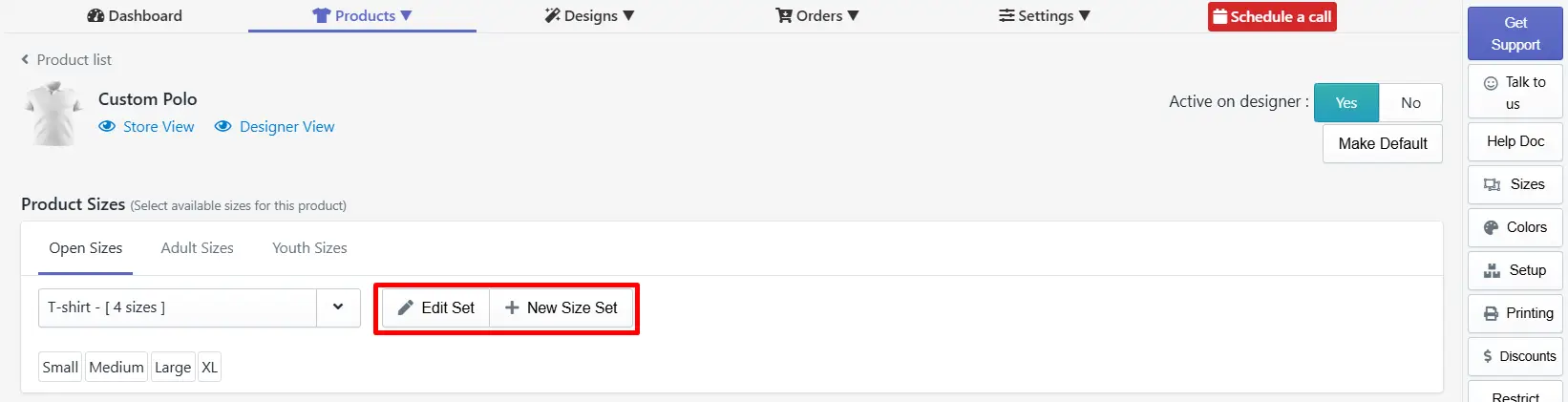
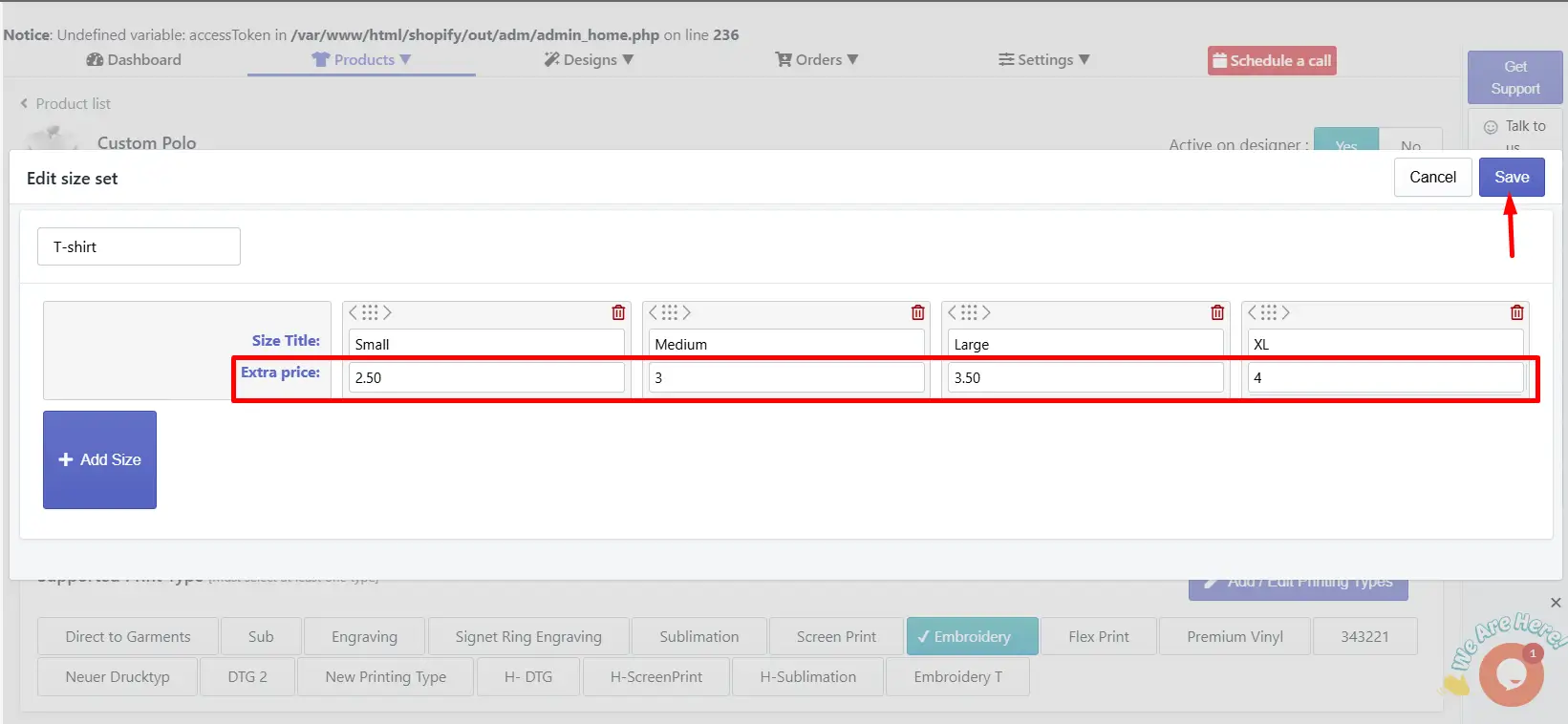
After the setup, the extra price will be included with the product base price when the customer selects the sizes.
To know more about the product size setup, check out the article “ Set Up the Size Set for Your Product. ”
Still, facing difficulties or need help? Feel free to contact us. You can also reach us:
InkyBay app Live chat
Support ticket from the InkyBay app
Email to support@productsdesigner.com
 Getting Started
 Products
 Designs
 Templates
 Configuration
 Printing
 Orders
 Inventory Management
 Settings
 Packages
 Uninstallation
 Tutorials
 FAQ
FAQ